

Case Studies
Tsutomu Kojima - Printing Director
Printing director Tsutomu Kojima, one of EIZO's ColorEdge Ambassadors, has long been using ColorEdge for his work. We talked to Mr. Kojima about what he sees as important when creating works and his experience using ColorEdge.
 |
 |
 |
 |
 |
|
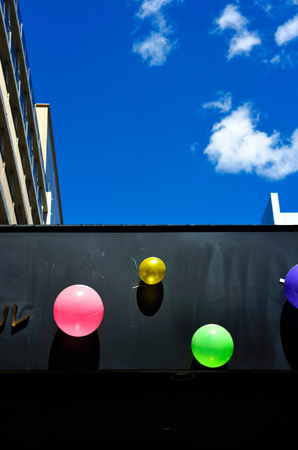
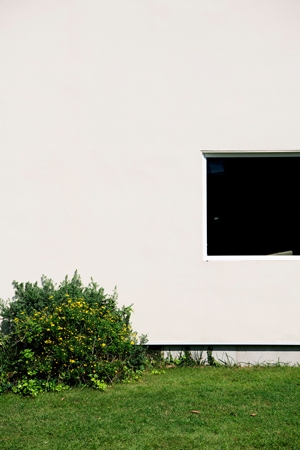
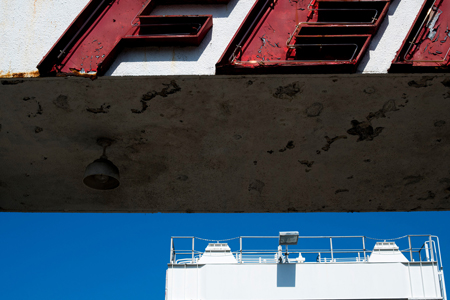
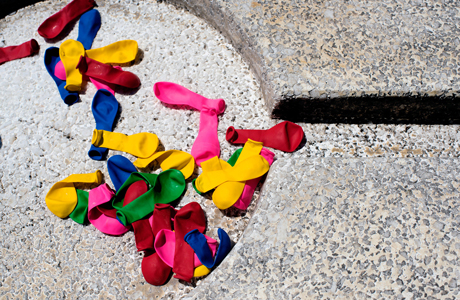
The images above are the works of photographer Michiko Sato (Japan) from her album "MICHIKO 2018 ワタシテキ" (MICHIKO 2018 WATASHITEKI), which Tsutomu Kojima carried out print direction for. Michiko Sato was born in Tokyo and graduated from the Photography Department at Tokyo Polytechnic University. After working in the advertisement division of Shiseido Company Limited, she left to become a freelance photographer. She holds personal and group exhibitions mainly in Tokyo as well as planned events, courses, and seminars. Through her experiences in advertising photography, mainly of cosmetic products, the concept of “beauty” is prevalent in all her work. She even acquired instructor qualifications for Tai Chi as part of her pursuit to find inner beauty. She is a member of the Japan Advertising Photographer's Association (APA) and the Japan Professional Photographers Society (JPS), as well as an Advisor of Nikkor Club. She has additional works in her albums “HOPSCOTCHINGS” and “Fragments of Wisdom”. Michiko Sato’s website: http://www.rin-photo.com/ |
What do you see as important when creating works?
I make prints for various fields, specifically illustrations, photographs, and cultural properties. What I emphasize is different in each. For example, when it comes to photographic works, I want to stick as closely as possible to the photographer’s intent when giving shape to the photograph as a printed work. Specifically, this is about how to determine the course of action from paper selection to retouching. There are some people who have a clear picture of what they want from the start, but there are also some who probe into the expression while taking into account how I feel about and interpret the photograph as a printing director. As two professionals, we square off with each other about the expression. I try to maintain a relationship as equal partners, because I have a heavy responsibility with respect to the finished work. The final product is printed on paper, but the monitor has to be up to par as the gateway to capturing the feeling. I believe that’s where communication begins.
What has been your experience with ColorEdge?
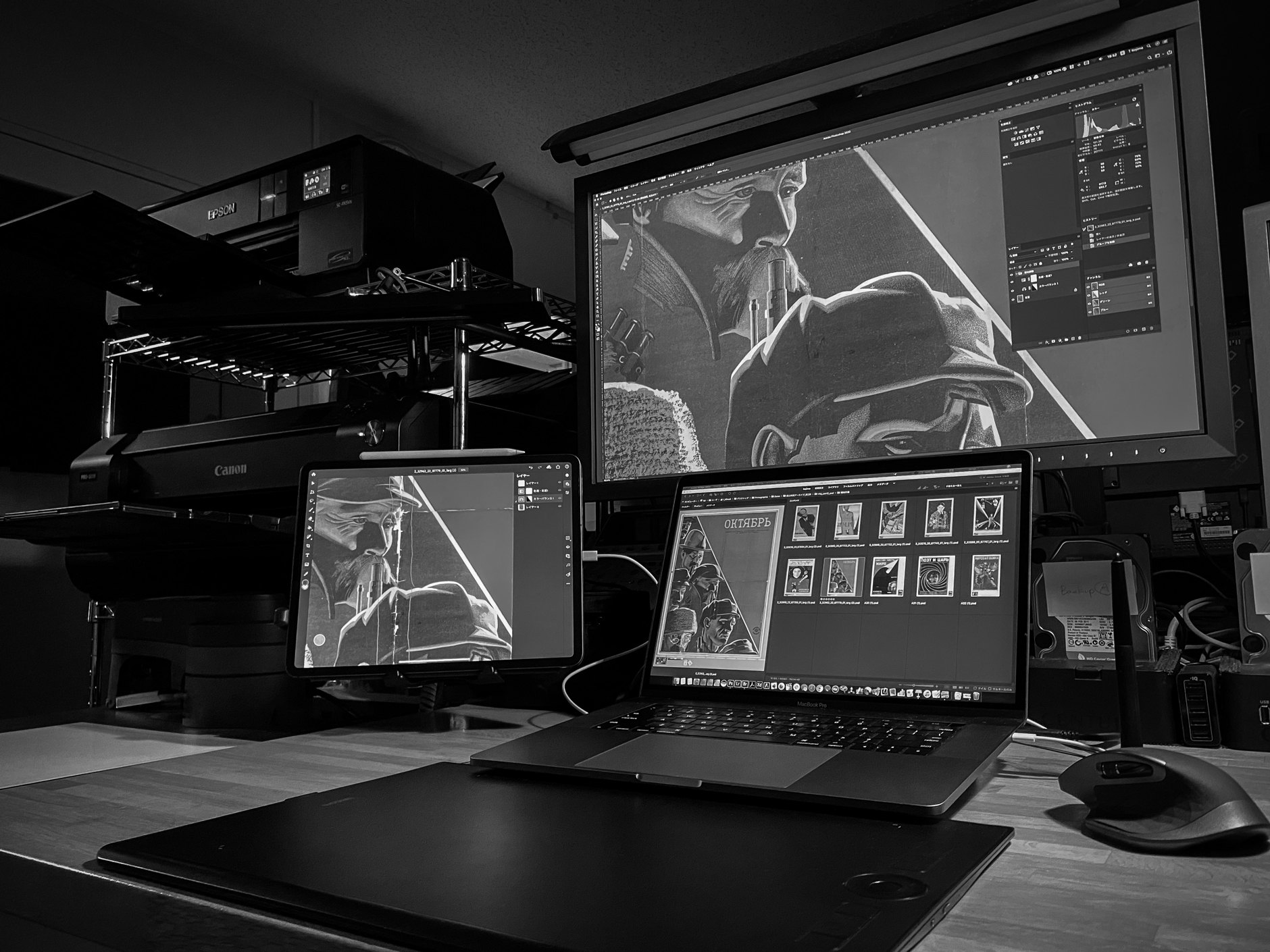
Currently I use a MacBook Pro 15-inch Late 2016 connected to a CS2740 , plus an iPad Pro 12.9 (3rd Generation) for a triple screen work setup. The 4K UHD resolution of the 27-inch monitor and pixel pitch of 164 ppi creates an extremely detailed experience. I also hardly experience any glare from the screen. The balance of resolutions between the MacBook Pro, iPad Pro, and the monitor works perfectly for me.
In restoring cultural works, I can’t work directly with the original pieces, so it takes a lot of work to adjust things like color. Lately, I’ve been taking an iPad Pro with me to compare with the originals, and retouch right then and there. Then I use that as the target when I work on the Mac. Because I can use ColorNavigator 7’s device simulation feature to ensure what I am seeing is accurate, I can really work with peace of mind.
The 27-inch screen fits perfectly in my workspace. Although the monitor is compact in size, the high-resolution screen ensures I have enough space to work. Furthermore, ColorEdge’s features make precision editing quite comfortable.
I also have a CG19 model, which I have used the longest of any monitor. I actually got it from a photographer friend of mine. It was made in 2005 (15 years ago), but it still works properly even now. If it were to break, it’d be difficult to get repaired now, but just looking at it brings me a lot of great memories. I’ve since used CG21 and many other models, with the new CS2740 serving as my “eyes” for print direction.

Tsutomu Kojima is a member of EIZO’s ColorEdge Ambassador Program, which showcases professional photographers, designers, filmmakers, and other creatives who are committed to inspiring and educating artists around the world of all levels.
ColorEdge Ambassador Program Website